I often pick up second-hand hardware junk to build things with, so I’ll keep a HomeLAB series to document it.
Installation
On Unix-like systems you can install it in one line:
curl -s -S -L https://raw.githubusercontent.com/AdguardTeam/AdGuardHome/master/scripts/install.sh | sh -s -- -v
You can also refer to the official github and the wiki; it can be installed on docker, a Raspberry Pi, and more.
Here, since I run an LXC on proxmox and it has its own IP, I just install it as a regular machine.
address already in use
During installation you may hit the 0.0.0.0:53: bind: address already in use error. You can solve it with these steps:
First stop the resolve service:
systemctl stop systemd-resolved
Edit /etc/systemd/resolved.conf:
[Resolve]
DNS=127.0.0.1
DNSStubListener=no
Re-link it and restart the service:
sudo ln -sf /run/systemd/resolve/resolv.conf /etc/resolv.conf
systemctl restart systemd-resolved
DNS settings
For upstream DNS you can set servers from Google, HiNet, Cloudflare and TWNIC:
8.8.8.8
8.8.4.4
168.95.1.1
168.95.192.1
1.1.1.1
1.0.0.1
101.101.101.101
101.102.103.104
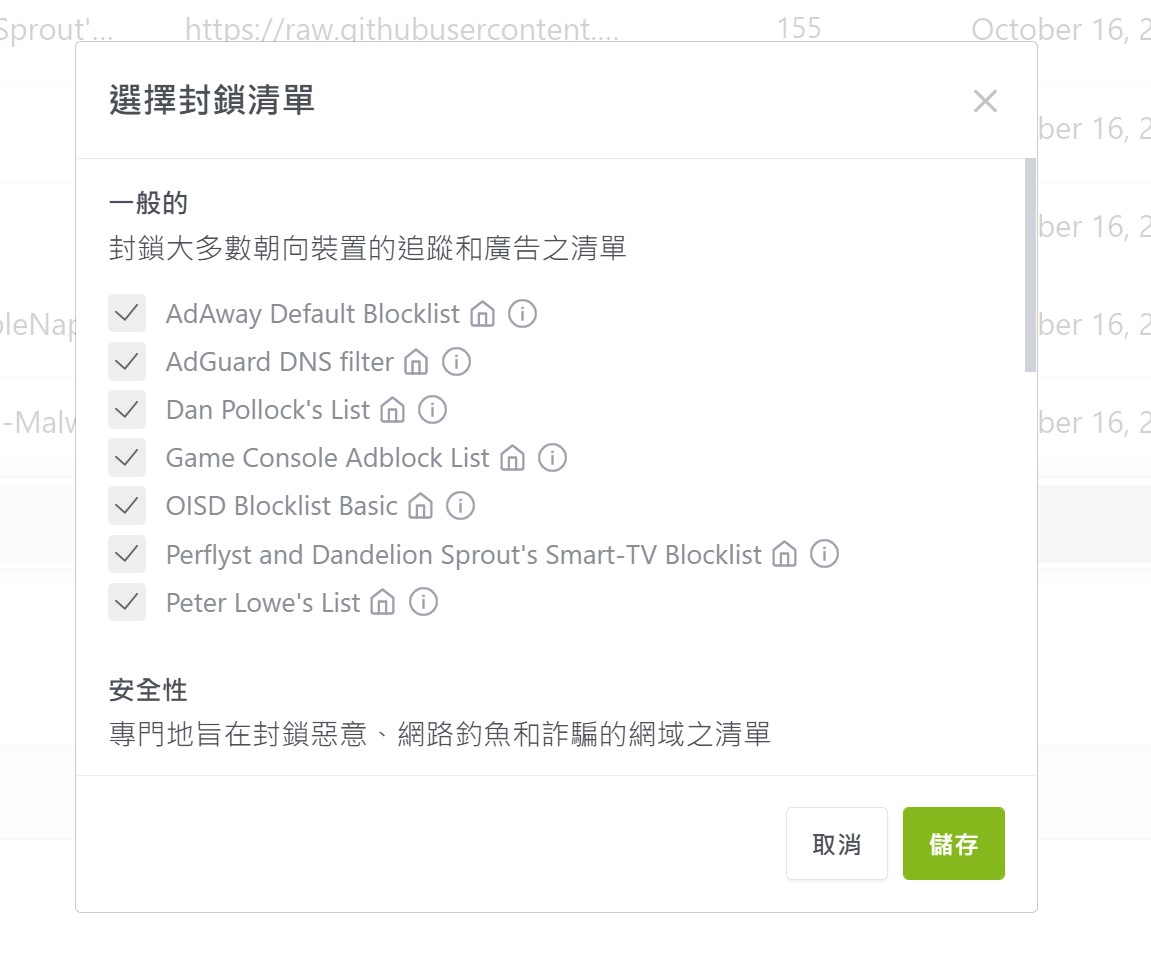
Blocklists
You can add your own by referring to https://firebog.net/; there are also some built-in ones you can import.
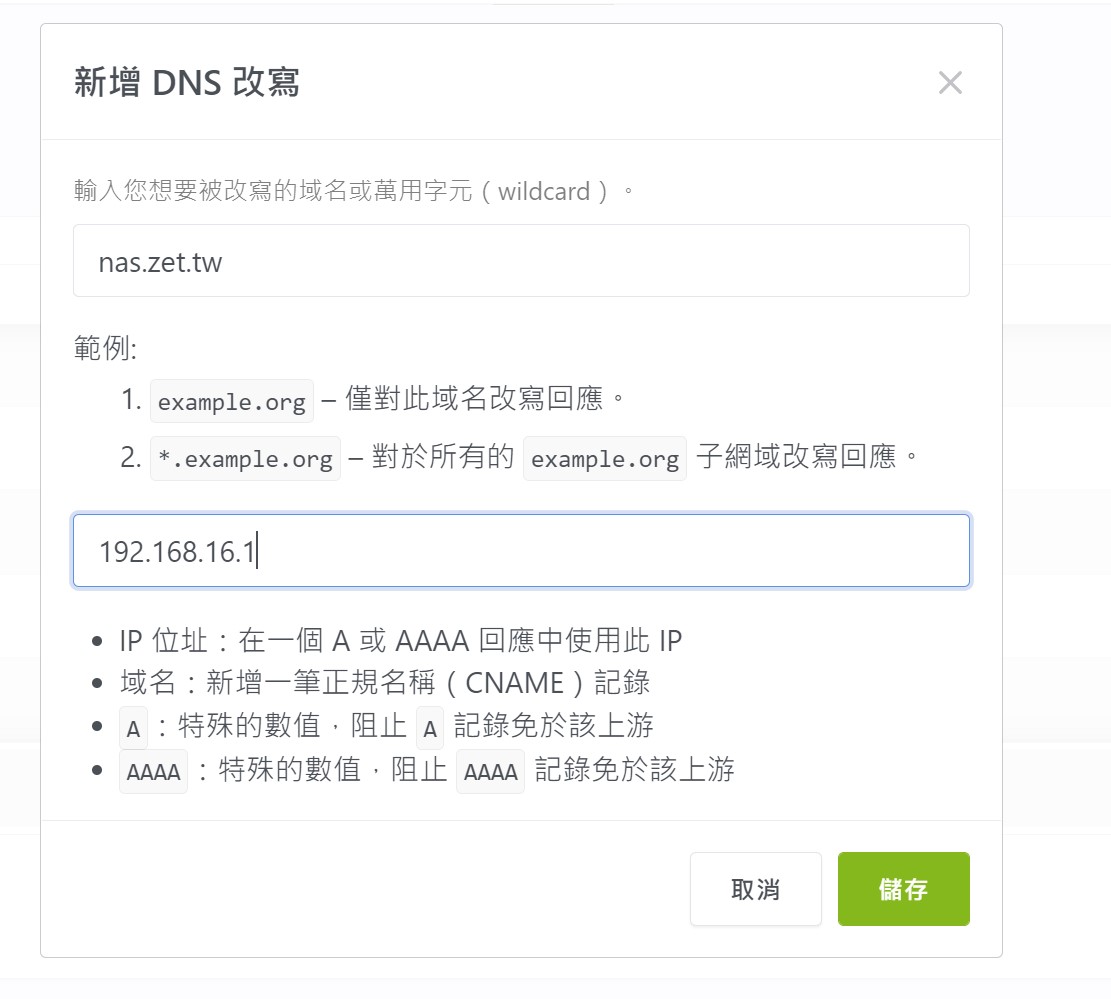
DNS rewrite
If you have services on your LAN, you can use rewrite to set your own domain for easy access.
config file
The whole configuration lives in /opt/AdGuardHome/AdGuardHome.yaml; you can back it up regularly for easier future deployments.
root@ad-guard:~# ls /opt/AdGuardHome/
AdGuardHome  AdGuardHome.sig  AdGuardHome.yaml  CHANGELOG.md  LICENSE.txt  README.md  data
A similar service is NextDNS, also worth a look.