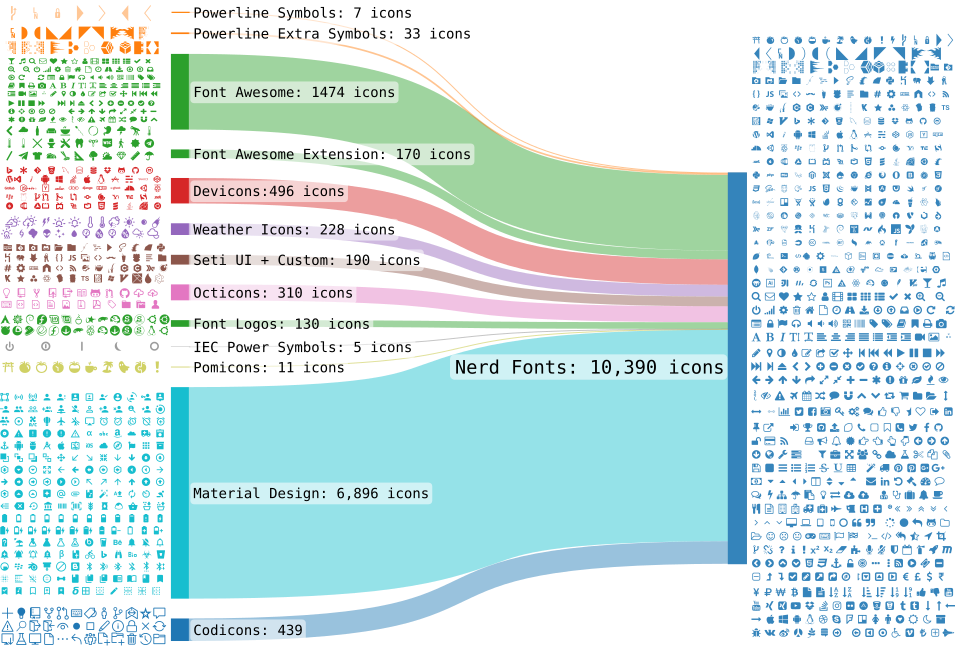
Nerd Fonts - https://www.nerdfonts.com/ includes many monospaced fonts that are especially well suited to terminals and code editors. Nerd Fonts adds a large set of icons that can display the glyphs used by git, programming languages and CLIs.
After downloading you’ll see a lot of font files. Take the MesloLG font that I commonly use as an example:
- MesloLGMDZNerdFontMono-Bold
- MesloLGMDZNerdFontMono-BoldItalic
- MesloLGMDZNerdFontMono-Italic
- MesloLGMDZNerdFontMono-Regular
The naming carries a lot of meaning:
MesloLG {S,M,L} {DZ,SZ} {Mono,Propo} {Bold,BoldItalic,Italic,Regular}
- {S,M,L} the small, medium or large line gap
- {DZ,SZ} DZ stands for Dotted Zero — the digit 0 has a dot in the middle. The opposite is SZ (Slashed Zero), where the 0 has a slash through it
- {Mono,Propo} Mono is monospaced and better for terminals; Propo is proportional and doesn’t force a fixed width, so it’s better for reading and for things like slides
- {Bold,BoldItalic,Italic,Regular} bold, italic
For the official explanation see https://github.com/ryanoasis/nerd-fonts/wiki/FAQ-and-Troubleshooting
On each platform you can install via homebrew or scoop: https://github.com/ryanoasis/nerd-fonts?tab=readme-ov-file#font-installation